



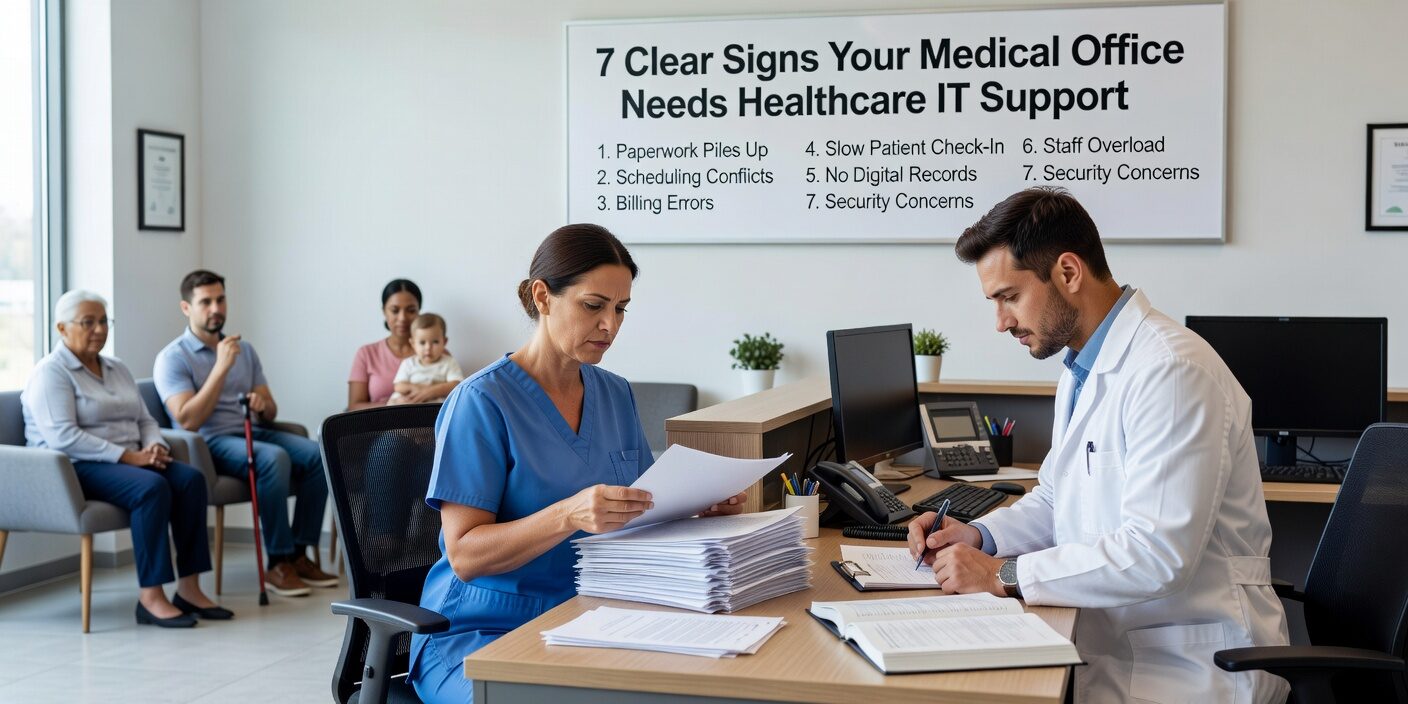
When your medical practice starts experiencing recurring technology problems, it’s often a sign that basic computer support is no longer enough. Recognizing the signs your medical office needs healthcare it support can help you address issues before they impact patient care, staff productivity, or regulatory compliance.
The difference between general IT support and healthcare-focused technology services becomes critical as practices grow. Healthcare environments have unique requirements around patient data protection, uptime expectations, and regulatory compliance that generic computer support simply can’t address effectively.
Frequent Downtime Is Disrupting Patient Care
One of the clearest indicators that your practice needs specialized support is when technology failures regularly interrupt clinical operations. If your staff routinely restart computers, power-cycle equipment, or call for help just to log into systems, your IT environment has become unstable.
Common downtime scenarios include:
• Reception staff rebooting computers multiple times daily • EHR systems, payment processing, or lab connections going offline • Telehealth sessions dropping during patient consultations • Staff creating manual workarounds to keep patient flow moving
The real cost of downtime: Healthcare IT outages can cost medical practices approximately $7,500 per hour or more, depending on the size and scope of the disruption. Beyond the immediate financial impact, frequent downtime creates patient delays, staff frustration, and potential safety concerns.
When technology problems become a daily occurrence rather than rare exceptions, it’s time to evaluate whether your current support model can handle healthcare’s operational demands.
Security Gaps Are Putting Patient Data at Risk
Medical practices handle highly sensitive patient information, making them attractive targets for cybercriminals. If cybersecurity feels like an afterthought rather than an active priority, your practice may have outgrown basic IT support.
Warning signs of inadequate security management:
• Firewalls, antivirus software, and endpoint protection aren’t actively monitored • Computers and servers lack regular security updates • Staff use personal devices, USB drives, or consumer cloud services to handle patient documents • Backup systems are unclear, untested, or inconsistent • No one can clearly explain your disaster recovery plan
Why healthcare security is different: Medical practices face unique threats and regulatory requirements that general IT providers may not fully understand. Patient data protection isn’t just about good security—it’s about meeting specific healthcare privacy obligations and avoiding costly compliance violations.
Staff Are Creating Dangerous Workarounds
When your team starts inventing their own solutions to technology problems, it usually indicates that your systems or support aren’t meeting operational needs. These workarounds may seem practical in the moment, but they often create bigger problems.
Common workarounds that signal IT problems:
• Writing patient notes on paper for later entry into the EHR • Using personal text messaging or email for clinical communication • Maintaining parallel spreadsheets outside official systems • Sharing login credentials or using placeholder data to bypass system issues • Relying on personal phones when office communication systems fail
The hidden risks: Workarounds reduce data accuracy, create compliance vulnerabilities, and increase the likelihood of errors. They also indicate that your technology doesn’t align with actual clinical workflows—a problem that requires healthcare-specific expertise to resolve.
Support Response Times Don’t Match Clinical Needs
Medical practices operate on schedules that don’t always align with traditional business hours. Many clinics see patients early in the morning, during lunch hours, on weekends, or in the evening. When IT problems occur during busy clinical times, slow support response can quickly cascade into operational problems.
Signs your support timing is mismatched:
• Help desk tickets sit in queues for hours without updates • Phone calls go unanswered during peak patient hours • No after-hours or weekend support despite extended clinic schedules • Support technicians don’t understand how clinical systems interconnect
A full waiting room and a down EHR system create immediate pressure that generic IT support may not be equipped to handle with appropriate urgency.
Technology Decisions Lack Strategic Planning
If your IT provider only appears when something breaks, your practice likely lacks the strategic technology planning necessary for growth and efficiency. Break-fix support models become inadequate as practices expand or add new services.
Indicators of tactical-only IT support:
• No regular technology review or planning meetings • Hardware replacements happen only during emergencies • No roadmap for system upgrades or capacity planning • New services like telehealth or remote access are added without integration planning • Technology budgets are reactive rather than predictive
Strategic technology planning should align IT investments with practice goals, whether that’s expanding to new locations, improving patient flow, or enhancing clinical capabilities.
Compliance Questions Go Unanswered
Healthcare practices must meet specific regulatory requirements around patient data protection, record retention, and access controls. General IT providers may not have the expertise to confidently address these healthcare-specific compliance questions.
Red flags around compliance support:
• Unclear audit trails for patient data access • No clear plan for secure remote access or protected file sharing • Technology decisions made without considering regulatory requirements • Inability to answer questions about data retention or backup testing • Uncertainty about business associate agreements with technology vendors
When compliance becomes a significant concern, practices need healthcare risk assessment guidance that addresses both technology and regulatory requirements.
What This Means for Your Practice
Recognizing these warning signs early allows practice managers to address technology problems before they escalate into more serious operational, financial, or compliance issues. The transition from basic computer support to specialized healthcare IT services typically becomes necessary as practices grow, add locations, or implement new clinical technologies.
Modern healthcare practices benefit from IT partners who understand clinical workflows, regulatory requirements, and the unique operational demands of medical environments. This specialized support can reduce downtime, improve security posture, streamline compliance efforts, and create a more stable foundation for practice growth.
If your practice is experiencing multiple warning signs, it may be time to evaluate whether your current IT support model can meet your evolving needs.
Ready to evaluate your practice’s IT readiness? Contact MedicalITG today to discuss how specialized healthcare technology support can improve your practice’s operations, security, and compliance posture. Our team understands the unique challenges medical practices face and can help create a stable, secure technology environment that supports excellent patient care.





