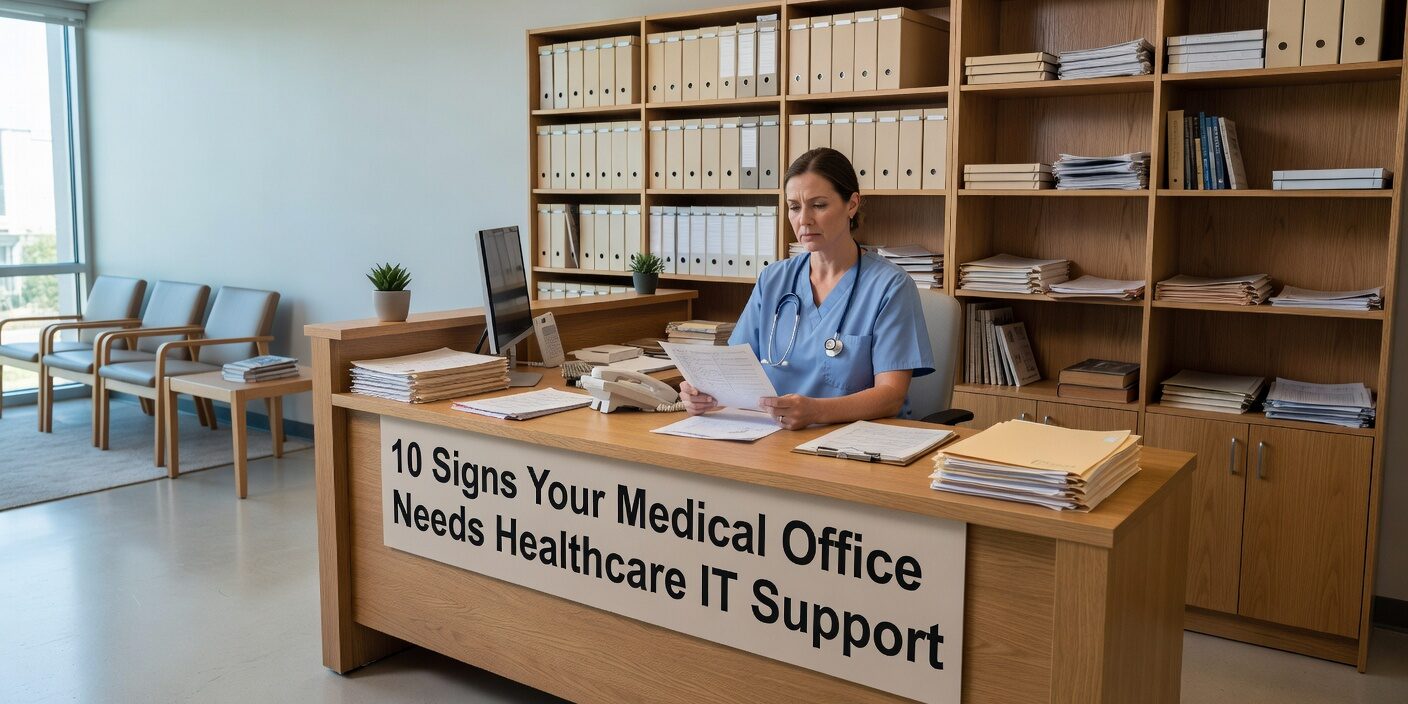
Recognizing the signs your medical office needs healthcare IT support can prevent costly disruptions and protect your practice from compliance violations. Many medical practices operate with technology challenges that seem manageable day-to-day but gradually undermine efficiency, security, and patient care quality.
Modern healthcare depends on reliable technology systems, yet many practices struggle with outdated equipment, security vulnerabilities, and workflow inefficiencies. Understanding when professional IT support becomes essential helps practice managers make informed decisions about protecting their operations and ensuring regulatory compliance.
Frequent System Crashes and Performance Issues
The most obvious indicator is when technology reliability becomes unpredictable. Your practice may experience:
• EHR systems freezing or crashing during patient appointments • Computers taking several minutes to boot or open applications • Network connectivity dropping during telehealth visits • Staff regularly complaining about slow or unresponsive systems
These performance problems create cascading effects throughout your practice. Lost productivity means fewer patients seen per day, while documentation delays can create compliance risks. When staff resort to workarounds like paper notes or delayed data entry, the risk of clinical errors increases significantly.
Reliable IT support addresses these issues through proactive system monitoring, hardware assessments, and network optimization. Professional monitoring can identify problems before they cause patient-facing disruptions.
Backup and Recovery Plans Are Unclear or Untested
Many practices assume their backup systems work without regular testing. Warning signs include:
• No one can confidently answer recovery timeframes after system failure • Backups run automatically but are never tested with actual data restoration • Backup copies stored only locally without offsite protection • Manual backup processes using USB drives or external storage
Permanent loss of health records poses serious risks beyond operational disruption. HIPAA violations, regulatory exposure, and prolonged downtime after ransomware attacks become major threats. Professional IT support implements comprehensive backup strategies with regular testing to ensure your practice can recover quickly from any data loss scenario.
Outdated Systems Running Unsupported Software
Technology infrastructure requires regular updates to maintain security and functionality. Red flags include:
• Computers running Windows 7, 8, or outdated server versions • EHR or billing software no longer receiving vendor updates • Hardware older than five to seven years that cannot support current applications • Staff using legacy browsers or plugins for compatibility
Unsupported systems create significant security vulnerabilities while limiting compatibility with modern medical devices and regulatory requirements. Professional IT planning helps practices phase hardware upgrades and software migrations while coordinating with EHR vendors to ensure smooth transitions.
Weak Security Practices and Compliance Gaps
HIPAA compliance requires specific technical safeguards that many practices implement inadequately. Common problems include:
• Shared login credentials for EHR or billing systems • No multi-factor authentication for critical applications • PHI accessible on unencrypted personal devices • Informal processes for terminating staff access to systems
These security gaps expose practices to data breaches, regulatory penalties, and financial losses from fraud or ransomware. Healthcare-focused IT support implements role-based access controls, device encryption, and security monitoring while supporting HIPAA risk assessment requirements.
Staff Security Training and Awareness
Many practices lack formal cybersecurity training programs, leaving staff vulnerable to phishing attacks and social engineering. Professional IT support often includes security awareness training and incident response procedures tailored to healthcare environments.
Poor IT Documentation and Single Points of Failure
Practices often depend on one tech-savvy staff member or vendor contact for all IT knowledge. This creates risks when:
• Key IT knowledge exists only in one person’s memory • No central documentation of passwords, configurations, or vendor contacts • New staff receive no standardized IT training or setup procedures • System problems take longer to resolve due to unclear troubleshooting steps
Professional IT support creates comprehensive documentation including network diagrams, system configurations, and standardized procedures. This ensures business continuity regardless of staff changes and reduces resolution time during technical issues.
Workflow Inefficiencies and Integration Problems
Technology should streamline practice operations, not create additional work. Signs of inadequate IT support include:
• Staff constantly requesting help with printing, scanning, or software issues • Manual workarounds instead of system integration • Recurring problems with e-prescribing or lab result interfaces • No ticketing system for tracking and resolving IT requests
Effective healthcare IT support identifies these workflow bottlenecks and implements solutions that reduce manual tasks while improving system reliability. This includes optimizing EHR integrations and establishing proper helpdesk procedures.
Audit and Compliance Challenges
Practices struggling with regulatory compliance often lack proper IT documentation and technical safeguards. Warning signs include:
• Difficulty providing audit documentation for HIPAA or payer requirements • Corrective action plans that remain unaddressed • Anxiety when regulators request IT security evidence • Unclear processes for demonstrating encryption and access controls
Professional healthcare IT support maintains audit-ready documentation while implementing technical safeguards required by HIPAA and payer contracts. This preparation reduces compliance risks and administrative burden during regulatory reviews.
Technology Growth Misalignment
Practices expanding services or locations often outgrow their existing IT infrastructure. Common issues include:
• Network capacity insufficient for additional users or telehealth services • Inconsistent technology setups across multiple locations • New staff lacking proper workstation and account setup on their start date • Integration challenges when adding new services or medical devices
Strategic IT planning aligns technology capabilities with practice growth plans, ensuring scalable infrastructure that supports expansion without performance degradation.
What This Means for Your Practice
Recognizing these signs early allows practices to address technology challenges before they impact patient care or regulatory compliance. Modern healthcare requires reliable, secure technology infrastructure that supports rather than hinders daily operations.
Professional healthcare IT support provides proactive monitoring, comprehensive security measures, and strategic planning that reduces operational risks while improving efficiency. Practices benefit from documented systems, standardized procedures, and rapid issue resolution that keeps focus on patient care rather than technology problems.
The investment in proper IT support typically pays for itself through reduced downtime, improved productivity, and avoided compliance penalties. More importantly, reliable technology infrastructure enables better patient experiences and supports practice growth without operational disruption.
If your practice experiences multiple signs from this list, consider scheduling an IT support planning consultation to assess your current technology environment and develop a strategic improvement plan.