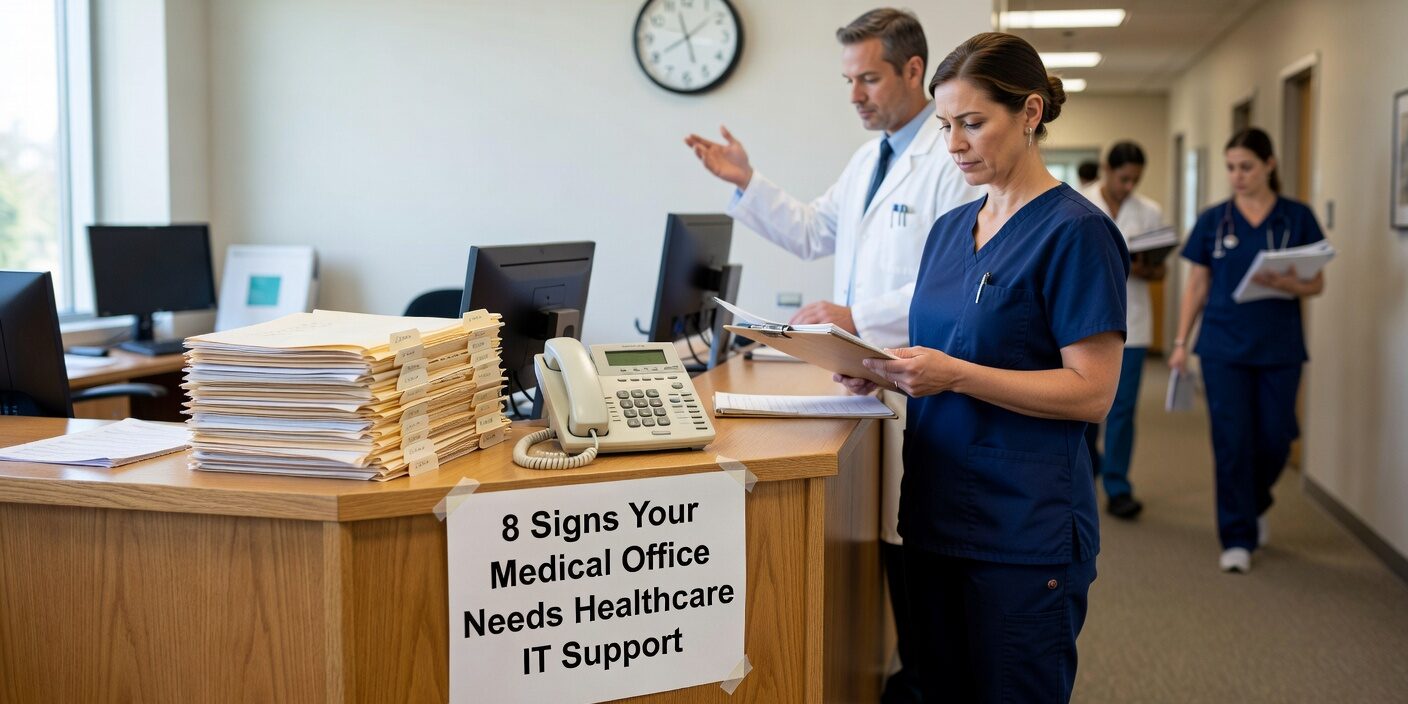
Managing technology in a medical practice becomes increasingly complex as your practice grows and regulatory requirements evolve. Many practice managers struggle to recognize when their current IT approach has reached its limits. Understanding the signs your medical office needs healthcare IT support can help you prevent costly disruptions and protect patient data before problems escalate.
Frequent System Downtime Is Disrupting Patient Care
One of the clearest indicators that your practice needs professional IT support is recurring system failures during operational hours. When your Electronic Health Records (EHR) system crashes during patient visits, computers require multiple daily reboots, or your network drops out during peak appointment times, these aren’t just minor inconveniences—they’re operational emergencies.
These disruptions create cascading problems:
- Appointment schedules fall behind
- Waiting rooms become overcrowded
- Staff productivity plummets
- Patient confidence erodes
If your practice experiences system outages more than once monthly, or staff routinely “work around” technology issues by restarting equipment or logging in repeatedly, your current IT management approach is insufficient for healthcare operations.
Your Practice Operates in Crisis Mode
Healthcare practices that lack proper IT support often find themselves in a reactive crisis management cycle. Technology problems only receive attention when something breaks completely, with no scheduled maintenance or proactive monitoring in place.
Warning signs of crisis-mode operations include:
- Same technical problems recurring without permanent fixes
- No planned maintenance windows for updates or patches
- Staff constantly troubleshooting instead of focusing on patient care
- “Temporary” solutions becoming permanent workarounds
This reactive approach inevitably leads to larger, more expensive problems that could have been prevented with proactive management.
Security Vulnerabilities Are Mounting
Medical practices face significant cybersecurity risks, with healthcare organizations experiencing 58% more cyber attacks than other industries. If your practice cannot clearly answer questions about firewall monitoring, security patch status, or staff security training schedules, you likely have dangerous vulnerabilities.
Critical security gaps often include:
- Outdated operating systems missing security updates
- Weak password policies without multi-factor authentication
- Unclear remote access and telehealth security protocols
- Staff who haven’t received recent training on phishing and ransomware threats
- Unencrypted devices containing patient health information
Ransomware attacks can shut down medical practices for weeks, making security management a patient safety issue, not just an IT concern.
HIPAA Compliance Status Is Unclear
Compliance uncertainty is a major red flag that your practice needs specialized healthcare IT support. Many practice managers discover compliance gaps only when preparing for audits or after security incidents occur.
Common compliance warning signs include:
- Uncertainty about Business Associate Agreements with IT vendors
- Inadequate access controls determining who can view patient records
- Missing or incomplete audit logs for data access
- No documented incident response procedures
- Unclear data backup and recovery capabilities
HIPAA violations can result in fines ranging from $100 to $50,000 per record, making compliance management essential for financial protection.
Backup and Disaster Recovery Plans Are Inadequate
Many practices assume their data is safely backed up without actually testing recovery procedures. If you cannot answer when your backups last ran successfully or how quickly you could restore operations after a system failure, your practice is vulnerable to catastrophic data loss.
Problematic backup situations include:
- Backups stored only on-site (same building, same network)
- No documented recovery time objectives
- Reliance on manual data exports or ad-hoc copying
- Untested backup restoration procedures
A hardware failure, ransomware attack, or natural disaster could permanently destroy patient records or force weeks of operational downtime without proper backup and disaster recovery planning.
Technology Integration Problems Reduce Efficiency
When your EHR doesn’t communicate properly with practice management, billing, or scheduling systems, staff productivity suffers significantly. Integration failures force manual data entry, increase errors, and reduce the number of patients your practice can serve effectively.
Integration problems typically manifest as:
- Pathology and radiology interfaces requiring frequent manual intervention
- ePrescribing or secure messaging systems that regularly fail
- “Temporary” workarounds like printing and scanning because digital interfaces don’t function
- Appointment scheduling conflicts between different software systems
Professional healthcare IT support understands clinical applications and can design stable, supported integrations that eliminate these workflow disruptions.
IT Support Response Times Don’t Match Healthcare Urgency
General business IT support often doesn’t understand the urgency of healthcare technology problems. When your current IT support treats an EHR outage like a routine business computer issue rather than a patient safety emergency, you need healthcare-specialized support.
Inadequate support typically includes:
- Help desk tickets sitting for hours during active clinic operations
- Limited or no after-hours support despite evening or weekend clinics
- Technicians unfamiliar with EHR, telehealth, or medical imaging systems
- System changes pushed during busy clinic times without proper testing
Healthcare-focused IT providers understand that technology failures during patient care hours require immediate response and resolution.
What This Means for Your Practice
Recognizing these warning signs early allows you to address IT deficiencies before they compromise patient care or regulatory compliance. Modern healthcare practices require proactive IT management that includes 24/7 monitoring, regular security updates, tested backup procedures, and strategic technology planning.
Professional healthcare IT support provides the specialized knowledge and rapid response times necessary to maintain operational continuity while protecting patient data and ensuring regulatory compliance. The cost of prevention through proper IT management is invariably less expensive than recovering from system failures, security breaches, or compliance violations.
If your practice exhibits several of these warning signs, consider conducting a comprehensive evaluation of your current IT infrastructure and support capabilities. Taking action now can prevent costly disruptions and position your practice for sustainable growth.
Ready to evaluate your practice’s IT readiness? Contact our healthcare technology specialists to discuss your current challenges and explore solutions designed specifically for medical practices. Our team understands the unique operational and compliance requirements of healthcare organizations and can help you build a technology foundation that supports excellent patient care.