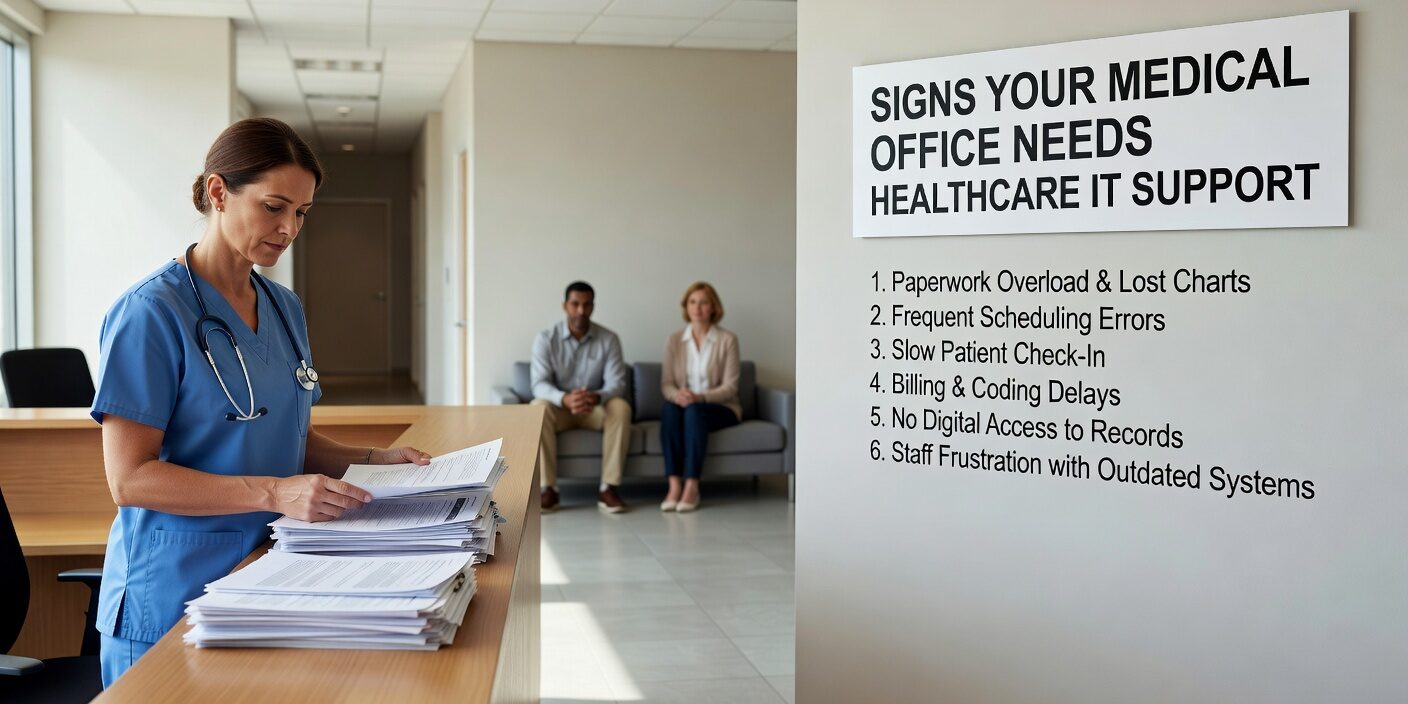
Recognizing when your medical practice needs better IT support can prevent costly downtime, compliance violations, and patient care disruptions. Many practice managers and administrators struggle to identify the early warning signs before small technology issues become major operational problems.
Understanding these warning signs your medical office needs healthcare IT support helps you make informed decisions about your technology infrastructure before problems impact patient care or put your practice at compliance risk.
Daily Operations Are Disrupted by Technology Problems
When technology becomes a barrier instead of a tool, it’s time to evaluate your IT support. Frequent system downtime is one of the clearest indicators that your current approach isn’t working.
Your EHR or practice management software crashes during peak clinic hours, forcing staff to revert to paper workflows. Computers and tablets require multiple daily restarts just to function normally. Network connectivity drops regularly, especially in exam rooms where providers need reliable access to patient records.
Staff productivity suffers when they spend more time troubleshooting than treating patients. Physicians and nurses shouldn’t be unofficial IT support, yet many practices rely on clinical staff to fix printers, reboot routers, and troubleshoot login issues during patient visits.
Workarounds become so routine that your “downtime binder” feels like the primary system rather than an emergency backup. When staff plan their day around “when the system might crash,” your technology infrastructure needs professional attention.
Security Gaps Put Patient Data at Risk
Missing or outdated security controls expose your practice to cyber threats and compliance violations. Basic security fundamentals like multi-factor authentication, current antivirus software, and unique user accounts should be standard, not optional.
Shared generic logins for “frontdesk1” or “MA_room3” make it impossible to track who accessed what information. Former employees who still appear in user lists or retain system access create ongoing security vulnerabilities.
Suspicious activity often goes unnoticed without proper monitoring. Strange pop-ups, browser redirects, or “your computer is infected” messages indicate potential security breaches that require immediate professional response.
Access controls that allow everyone to see everything in the EHR violate the principle of minimum necessary access. Role-based permissions ensure staff only access information needed for their job functions, protecting patient privacy and reducing compliance risk.
Patient Care and Experience Suffer
Technology problems that spill into patient interactions damage your practice’s reputation and quality of care. Extended wait times caused by slow registration systems or crashed workstations frustrate patients and create bottlenecks.
Providers who cut visits short to catch up on documentation delayed by system problems compromise patient care quality. Exam rooms sitting empty while staff wait for computers to restart waste valuable appointment slots and reduce practice efficiency.
Clinical errors increase when systems don’t integrate properly. Medication lists that aren’t synchronized across platforms, lab results that require manual entry, and orders that get lost between systems create patient safety risks.
Telehealth visits that frequently fail due to connectivity issues or portal problems that prevent patients from accessing their records damage the patient experience and limit your practice’s service capabilities.
Common Technology-Related Patient Complaints
- Unable to log into patient portal or access test results
- Appointment confirmations and reminders not received
- Long check-in delays due to slow computer systems
- Providers appearing distracted by technology during visits
- Difficulty scheduling follow-up appointments online
HIPAA Compliance Documentation Is Missing or Outdated
Regulatory compliance requires current, comprehensive documentation that many practices struggle to maintain. Your most recent security risk assessment should be easily accessible and reflect your current technology environment.
Business Associate Agreements (BAAs) must cover all vendors who handle protected health information, including IT support providers, cloud services, and billing companies. Missing or outdated BAAs create immediate compliance violations.
Incident response plans should exist in writing, not just in someone’s memory. Your staff should know exactly what steps to take if a laptop is stolen, an email is misdirected, or suspicious activity is detected.
Access logs and audit reports help demonstrate compliance during inspections. If you can’t easily show who accessed what patient information and when, your documentation falls short of HIPAA requirements.
Operational Inefficiencies Limit Practice Growth
Manual, paper-heavy workflows that should be automated indicate insufficient technology optimization. Duplicate data entry between EHR, billing, and practice management systems wastes staff time and introduces errors.
Scheduling done in spreadsheets rather than integrated systems leads to double bookings, missed appointments, and poor provider utilization. High claim denial rates often stem from inconsistent data transfers between clinical and billing platforms.
Poor system integration forces staff to work around technology rather than with it. New medical devices that can’t connect to your EHR, lab results that require manual scanning, and separate systems for different locations all signal integration problems.
Scaling becomes difficult when adding providers or locations requires major IT projects every time. Centralized user management, standardized hardware, and consistent software across all sites enable growth without complexity.
Your Current IT Support Falls Short
Sometimes the warning sign is the support relationship itself. Slow response times and tickets that remain open for weeks without resolution indicate inadequate support capacity or expertise.
Generic IT providers who treat medical practices like any small business lack essential healthcare knowledge. They may not understand EHR workflows, HIPAA requirements, or clinical technology needs.
Purely reactive support that only addresses problems after they occur fails to prevent issues that impact patient care. Proactive monitoring, regular maintenance, and strategic planning should be standard components of healthcare IT support.
If IT conversations focus entirely on fixing broken systems rather than improving operations, you’re missing opportunities to leverage technology for better patient care and practice efficiency.
What This Means for Your Practice
Recognizing these warning signs helps you address technology challenges before they become operational crises. Modern healthcare requires reliable, secure, and compliant technology infrastructure that supports rather than hinders patient care.
Professional healthcare IT support provides the specialized knowledge and proactive approach needed to maintain secure, efficient systems. The right IT partner helps you prevent downtime, maintain compliance, and optimize technology to support your practice’s growth and patient care goals.
Don’t wait for a major system failure or compliance incident to address these warning signs. Taking action now protects your patients, staff, and practice from preventable technology-related problems.
Ready to evaluate your practice’s IT infrastructure? Contact our healthcare technology specialists for a comprehensive assessment that identifies vulnerabilities and provides actionable recommendations to improve your technology security and efficiency.