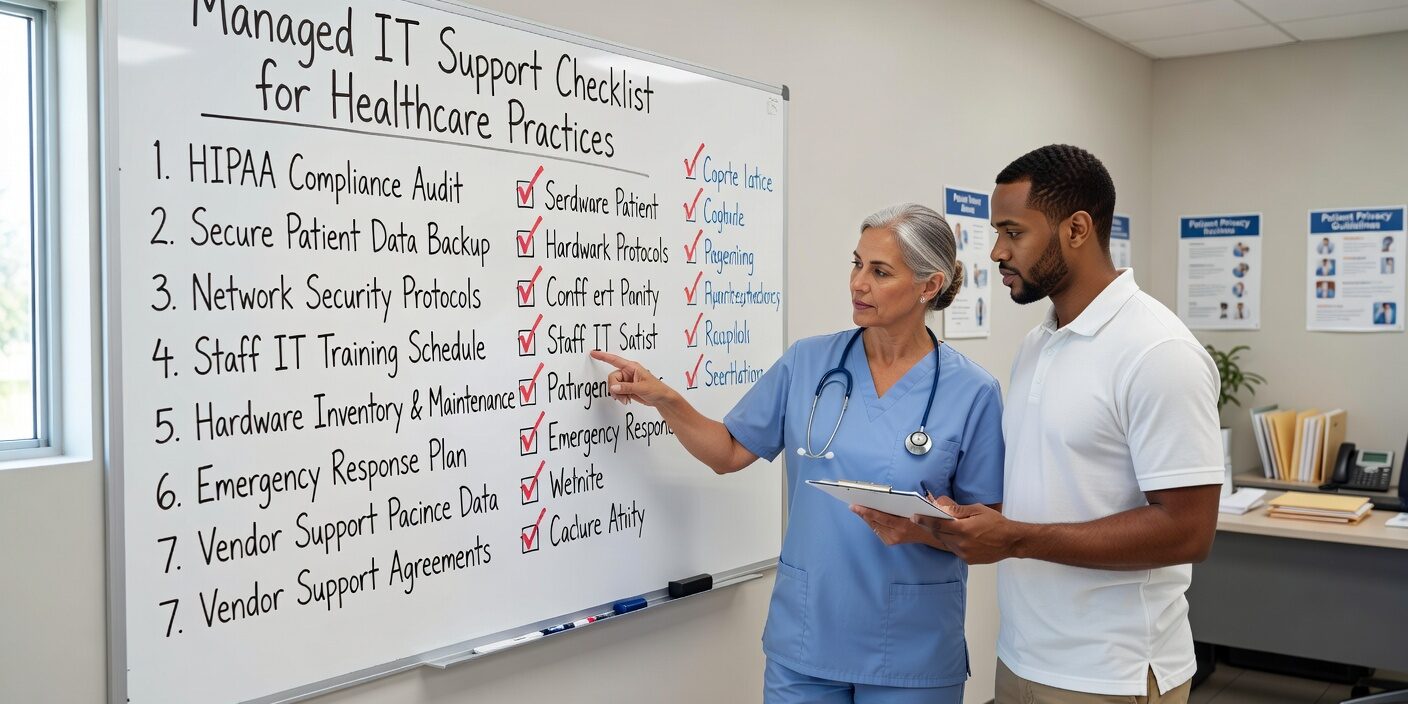
Medical practices today face increasing pressure to maintain secure, compliant technology while supporting seamless patient care. A comprehensive managed IT support checklist for healthcare practices helps practice managers identify critical gaps and establish systematic oversight of their technology infrastructure.
Whether you’re evaluating a new IT provider or reviewing your current support arrangement, this checklist ensures you cover the essential areas that matter most for healthcare operations.
HIPAA Compliance and Regulatory Requirements
Your IT support provider must demonstrate clear HIPAA expertise and documentation. This includes maintaining written HIPAA policies for IT services, providing a signed Business Associate Agreement (BAA), and conducting regular security risk assessments.
Access controls should include role-based access to PHI, unique user IDs with strong password policies, and automatic logoff features. Your provider should also have a clear process to immediately disable access for terminated staff members.
Audit capabilities are equally important. Your IT team should maintain logging of all access to EHR and PHI systems, with the ability to generate reports for audits and investigations when needed.
Data Handling and Security Standards
Confirm where your PHI is stored, including specific data centers and cloud regions. All PHI must be encrypted both in transit and at rest, with secure file transfer methods that eliminate unencrypted email transmission of protected health information.
Cybersecurity and Threat Protection Framework
Modern healthcare cybersecurity requires multiple layers of protection. Your managed IT support checklist should verify endpoint security through next-generation antivirus and Endpoint Detection and Response (EDR) solutions on all workstations, laptops, and servers.
Network security foundations include business-grade firewalls with Intrusion Detection and Prevention (IDS/IPS) capabilities, secure Wi-Fi with separate guest networks, and proper network segmentation that separates clinical systems from billing and guest access.
Multi-Factor Authentication (MFA) should be mandatory for all systems containing PHI, including EHR access, email, VPN connections, and remote access tools. Single Sign-On (SSO) solutions can streamline this process while maintaining security.
Email and Training Protection
Advanced spam and phishing filters protect against email-based threats, while URL and attachment scanning provides additional security layers. Staff security awareness training should occur at least annually, including simulated phishing tests and follow-up coaching for vulnerable employees.
Regular security assessments, including annual vulnerability scans and periodic third-party penetration testing, help identify and address potential weaknesses before they become security incidents.
Backup Systems and Disaster Recovery Planning
Reliable backup strategies form the foundation of business continuity planning. Your IT provider should maintain regular, encrypted backups of servers, EHR databases, and critical file shares, with both onsite and offsite or cloud backup locations.
Ransomware-resilient backups require isolation from your main network through immutable or air-gapped solutions. Clear Recovery Time Objectives (RTO) and Recovery Point Objectives (RPO) should be defined and documented, establishing how quickly you can restore operations and how much data loss is acceptable.
Testing and Contingency Operations
Documented backup test results should be conducted at least twice yearly to verify restore capabilities. Your provider should also help establish contingency operations procedures for EHR downtime, including paper workflows and offline access protocols.
EHR and Clinical Application Support
Your managed IT provider should demonstrate competency supporting your specific EHR, practice management, and billing systems, or coordinate effectively with those vendors. This includes managing interfaces and integrations with labs, imaging systems, e-prescribing platforms, and billing clearinghouses.
Performance tuning, troubleshooting, and proper configuration of printers, scanners, patient portals, and telehealth systems all fall within this support scope. Change management processes should include planned update windows, testing in non-production environments when possible, and rollback plans for major upgrades.
Hardware and Device Management Standards
Comprehensive asset inventory tracking covers all PCs, servers, network equipment, and mobile devices. Lifecycle and refresh planning helps you stay ahead of aging devices and obsolete operating systems that could create security vulnerabilities.
Centralized patch management ensures timely OS and application updates, with defined timelines for critical security patches. Mobile Device Management (MDM) policies should cover enrollment of all phones and tablets accessing PHI, with remote wipe capabilities for lost or stolen devices.
Workstation and Communication Security
Full-disk encryption on laptops and portable devices protects data if equipment is lost or stolen. Screen lock and auto-lock policies should be enforced in all clinical and shared spaces. Encrypted VoIP solutions and HIPAA-compliant phone and messaging systems protect communication privacy, along with secure fax or e-fax solutions.
Service Level Agreements and Monitoring
24/7 monitoring of servers, networks, and security alerts provides proactive issue detection. Clear Service Level Agreements (SLAs) should define response and resolution times that distinguish between urgent clinical issues and routine support requests.
Multiple support channels including phone, email, and online portals ensure staff can get help when needed. Your provider should maintain network diagrams, system documentation, and regular reports covering security incidents, patching status, and backup success rates.
Incident Management and Reporting
Documented processes for incident handling should include ticketing systems, root cause analysis, and review of significant incidents with practice leadership. This systematic approach helps prevent recurring problems and improves overall system reliability.
Vendor Management and Third-Party Oversight
Healthcare IT environments typically involve multiple vendors and services. Your IT provider should help ensure Business Associate Agreements (BAAs) are in place with all vendors that handle PHI, including EHR vendors, cloud storage providers, telehealth platforms, billing services, and messaging systems.
Basic vendor security due diligence should include reviewing SOC 2 or ISO 27001 certifications where applicable, along with security whitepapers and compliance documentation. Clear role definitions should establish who contacts which vendor when integration issues arise.
What This Means for Your Practice
A thorough managed IT support checklist for healthcare practices serves as your roadmap for maintaining secure, compliant, and efficient technology operations. This systematic approach helps you evaluate current providers, identify gaps in coverage, and establish clear expectations for IT support services.
Regular review of these checklist items ensures your practice stays current with evolving healthcare technology requirements while maintaining the reliability that patient care demands. Modern practices that implement comprehensive IT support frameworks experience fewer security incidents, reduced downtime, and improved operational efficiency.
Ready to evaluate your current IT support against these healthcare-specific requirements? Our team helps medical practices implement comprehensive technology strategies that prioritize compliance, security, and operational reliability. Contact us to discuss how we can support your practice’s technology needs with healthcare technology consulting guidance tailored to your specific requirements.